Deliver without the phone calls
Know what is due before the boiler leaves
The payment plan on the quotation becomes the order’s milestones in rupees. Record each payment with its UTR as it arrives, see what is due across all orders, and let the buyer see the same on their link.
- Milestones from the quotation’s payment plan, in exact rupees
- Received with the date and the UTR or cheque number
- What is still due across every open order, on the overview
- The buyer sees the same schedule on their tracking link
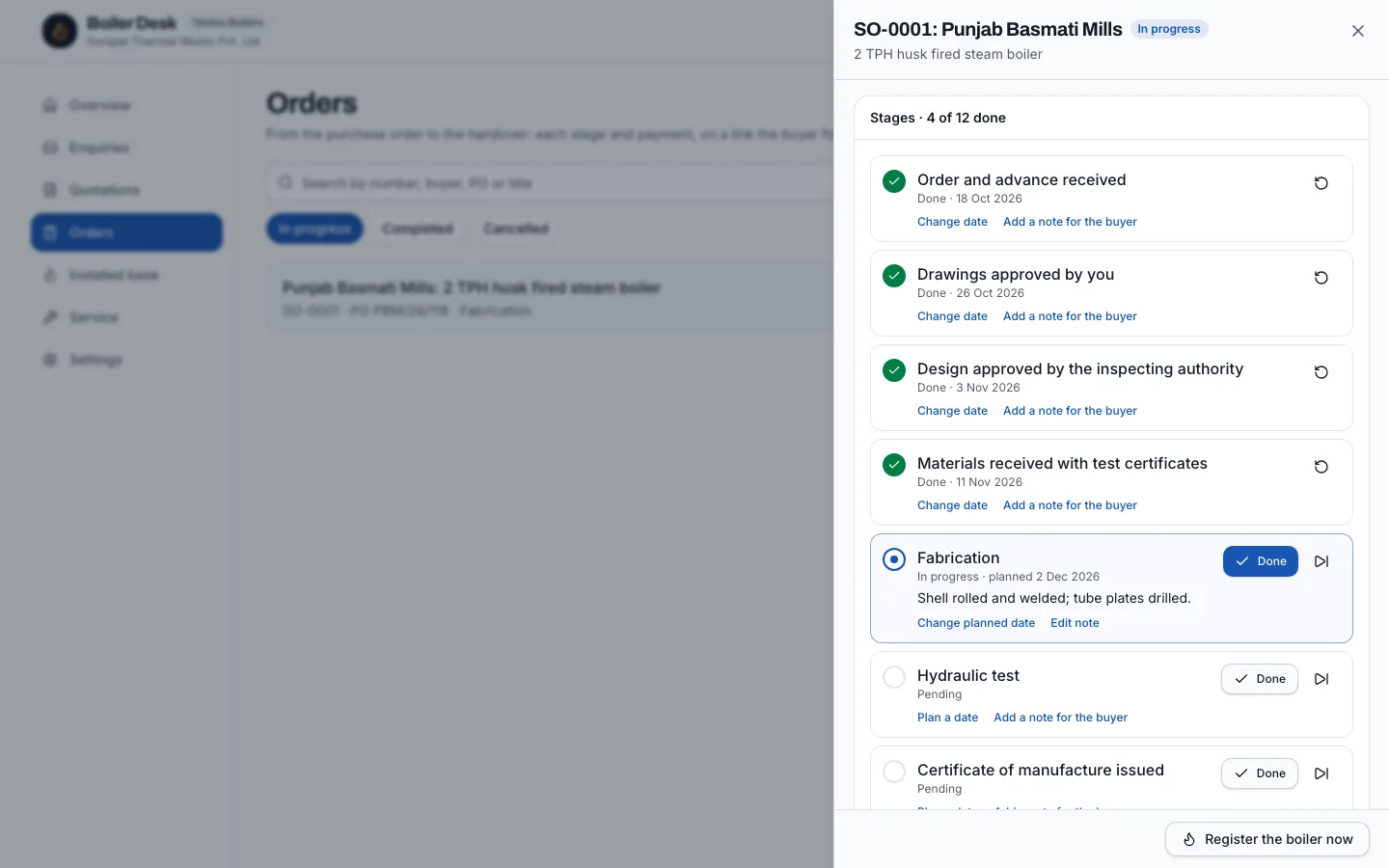
Payment milestones
How it works
Set your payment plan
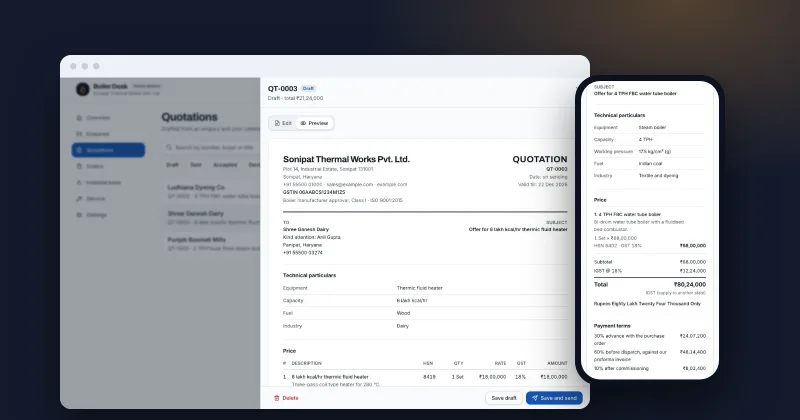
Your standard plan in Settings, such as 30% with the PO, 60% before dispatch and 10% after commissioning. Each quotation can change it.
Milestones in rupees
When the order opens, each step becomes an amount; the last takes any rounding, so they add up to the order value exactly.
Record payments
Mark a milestone received with the date and the UTR or cheque number.
Watch what is due
The overview shows what is still to collect across open orders.
Share the schedule
The buyer's tracking link shows each milestone as due or received, so a reminder before dispatch is a pointer to a page they already know, not an awkward call.
Who it's for
Makers who have dispatched a boiler before the pre-dispatch payment arrived because nobody checked, and owners who want to see at a glance how much is still to collect. It fits any maker working on advance, pre-dispatch and post-commissioning payments. It also suits makers whose accounts are kept by an outside accountant: the order shows the sales team what has arrived, without waiting for the books to be updated.
Why it matters
Boiler margins are made or lost on collections. A pre-dispatch payment that slips becomes a payment after commissioning, and a payment after commissioning that slips becomes a dispute. Seeing every milestone, with the buyer seeing the same, keeps the conversation simple: this is due, this is when, this is what you have paid. It also gives the owner a single number every morning: how much is due across open orders. Planning steel purchases and salaries around that number is easier than ringing the accounts team for it.
What's included
Exact amounts
Percentages turned into rupees that add up to the order value, to the rupee.
References kept
UTR, cheque or reference number on every payment.
On the buyer’s page
The buyer sees each milestone as due or received, so there is one version of the truth.
Across orders
The overview totals what is still due on open orders.
Undo when needed
A payment marked received by mistake can be set back to due, and the history shows who changed it.
Tied to the stages
Milestones read naturally against the order's stages: the advance with the PO, the main payment before dispatch, the balance after commissioning.
Nothing to reconcile twice
Payments are recorded once, on the order, and the overview and the buyer's page read from the same record.
FAQ
Questions owners ask
- Does this send invoices?
- No. It tracks the payment plan and what has arrived. Invoices stay in your accounting software; record the payment here when it comes in.
- What if the order value changes?
- Change it on the order: milestones still due are recalculated, and payments already received stay as they were.
- Can the buyer pay from the link?
- Not today. The link shows what is due; payment is made the way you agree with the buyer.
- Can we use a different payment plan for one order?
- Yes. Change the payment plan on the quotation before you send it; the order takes the plan of the quotation it came from.
- Who can mark payments received?
- Anyone on your team in the desk. The order's history records who marked each payment and when.
Deliver without the phone calls