Turn enquiries into ordersComing soon
WhatsApp conversations where the enquiry is
Most buyers and plant operators in India would rather WhatsApp than email. Today the desk opens a WhatsApp chat from any enquiry, quotation, order or service request with the message typed. Next, the replies will land in the desk, on the record they are about.
- Today: one tap to WhatsApp a buyer with the right message ready
- Coming: replies in the desk, beside the enquiry or order
- Coming: the whole team sees the conversation, not one phone
- Join the list to hear first
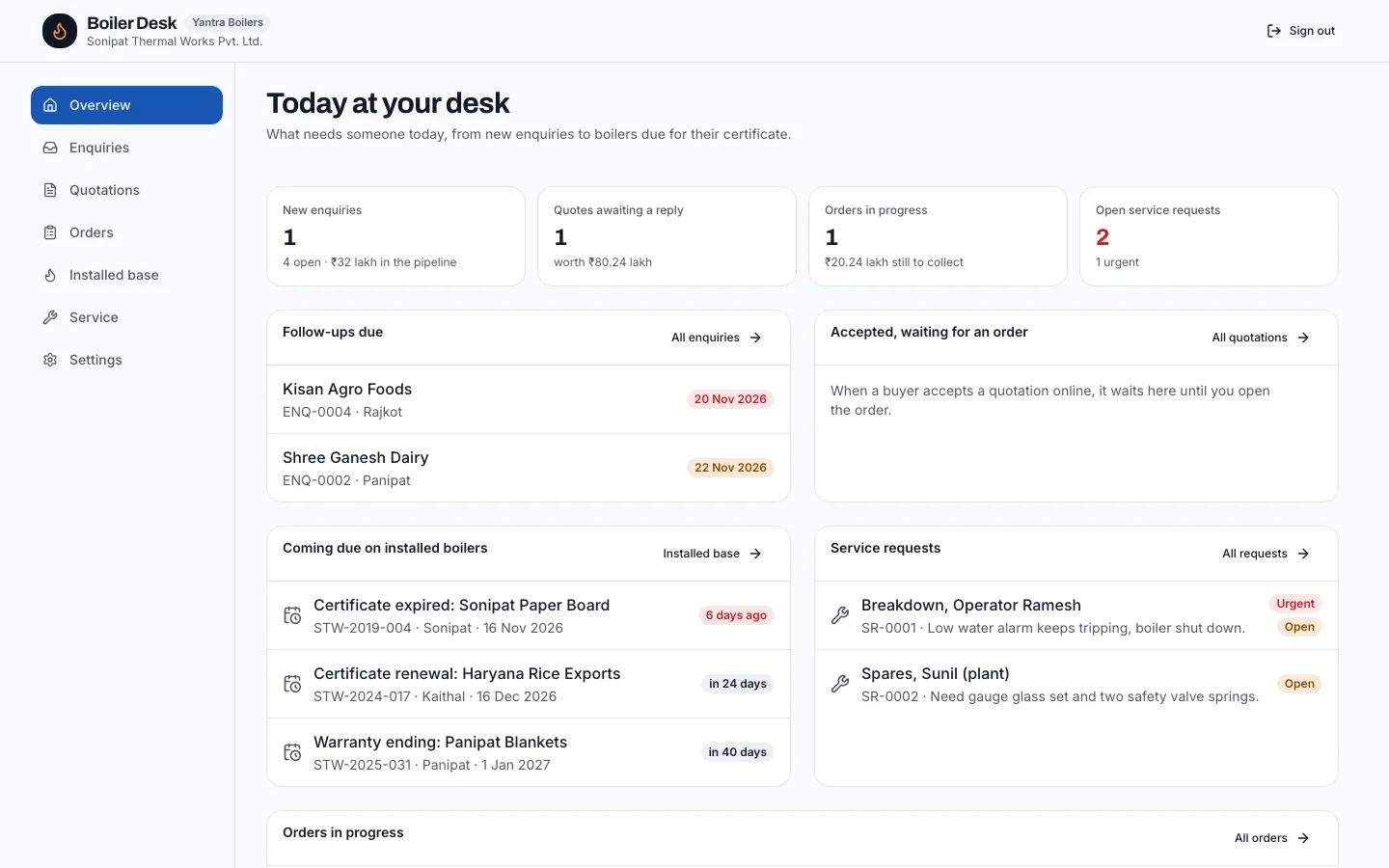
WhatsApp inbox
How it works
Today: start the chat from the desk
Every enquiry, quotation, order and service request has a WhatsApp button with a message ready, quoting the number and the link.
Planned: connect your business number
Link your WhatsApp Business number to the desk.
Planned: replies on the record
Messages land on the enquiry, quotation or order they belong to, for the whole team.
Planned: hand over conversations
Assign a conversation to a colleague with the record it belongs to, so a buyer is never left waiting because one person is away.
Planned: keep the history
Conversations stay with the enquiry, order or boiler after people move on, so the next engineer knows what was said.
Who it's for
Teams where every buyer has a sales engineer’s personal number, and where a conversation leaves with the engineer who leaves. It fits makers who want the conversation to belong to the company and sit with the record it is about. It also fits service teams, whose conversations with plant operators about a breakdown are exactly the history the next engineer needs.
Why it matters
When a quotation is negotiated over WhatsApp on one person’s phone, nobody else knows the buyer asked for a lower price or a different delivery date. Bringing the conversation into the desk keeps the whole team on the same page and keeps the history when people move on. It also makes response times visible. A buyer who messaged on Saturday and heard nothing until Tuesday has probably asked someone else; seeing unanswered messages in the desk makes sure that does not happen quietly.
Today, and planned
Works today: WhatsApp buttons
On enquiries, quotations, orders, service requests and the buyer’s pages.
Works today: links buyers can open
The quotation, order and nameplate links all open on a phone with no app or sign-in.
Planned: a shared inbox
Conversations in the desk, visible to the team.
Planned: templates
Approved message templates for quotation reminders, dispatch and service visits.
Planned: per-record threads
Each enquiry, quotation, order and service request will show its own conversation, so the context is never lost.
Works today: messages ready to send
Each WhatsApp button fills in the message: the number, the link and who it is from.
Planned: notifications
A message on a record your team owns shows up on the overview, like a new enquiry does today.
FAQ
Questions owners ask
- Can the desk receive WhatsApp messages today?
- Not yet. Today it opens a chat on your phone with the message ready, so sending is one tap. Receiving replies in the desk is coming.
- Will I need a WhatsApp Business number?
- Yes, the inbox will connect to a business number, so conversations belong to the company rather than to one person.
- How do I hear when it is ready?
- Join the list on this page and we will email you.
- Will buyers need to install anything?
- No. Buyers and plants keep using WhatsApp as they do today; the conversation simply appears in your desk as well.
- Will it work with our existing WhatsApp number?
- It will connect to a WhatsApp Business number. If your sales number is a personal one today, plan to move buyer conversations to a business number.
Turn enquiries into orders